ICUDATAEXPERTDATA SERVING PATIENT CARE
100% OPERATIONAL ALL FEATURES PRESENTED ARE ALREADY IMPLEMENTED IN ICU DATA EXPERT
VENTILATION · CALCULATION & CORRECTION

When data stops, ventilation may still be continuing.

ICU DATA EXPERT turns recordings received by clinical software into ventilation periods. When a gap suggests a missing period, it alerts the designated professional without claiming to know the cause.
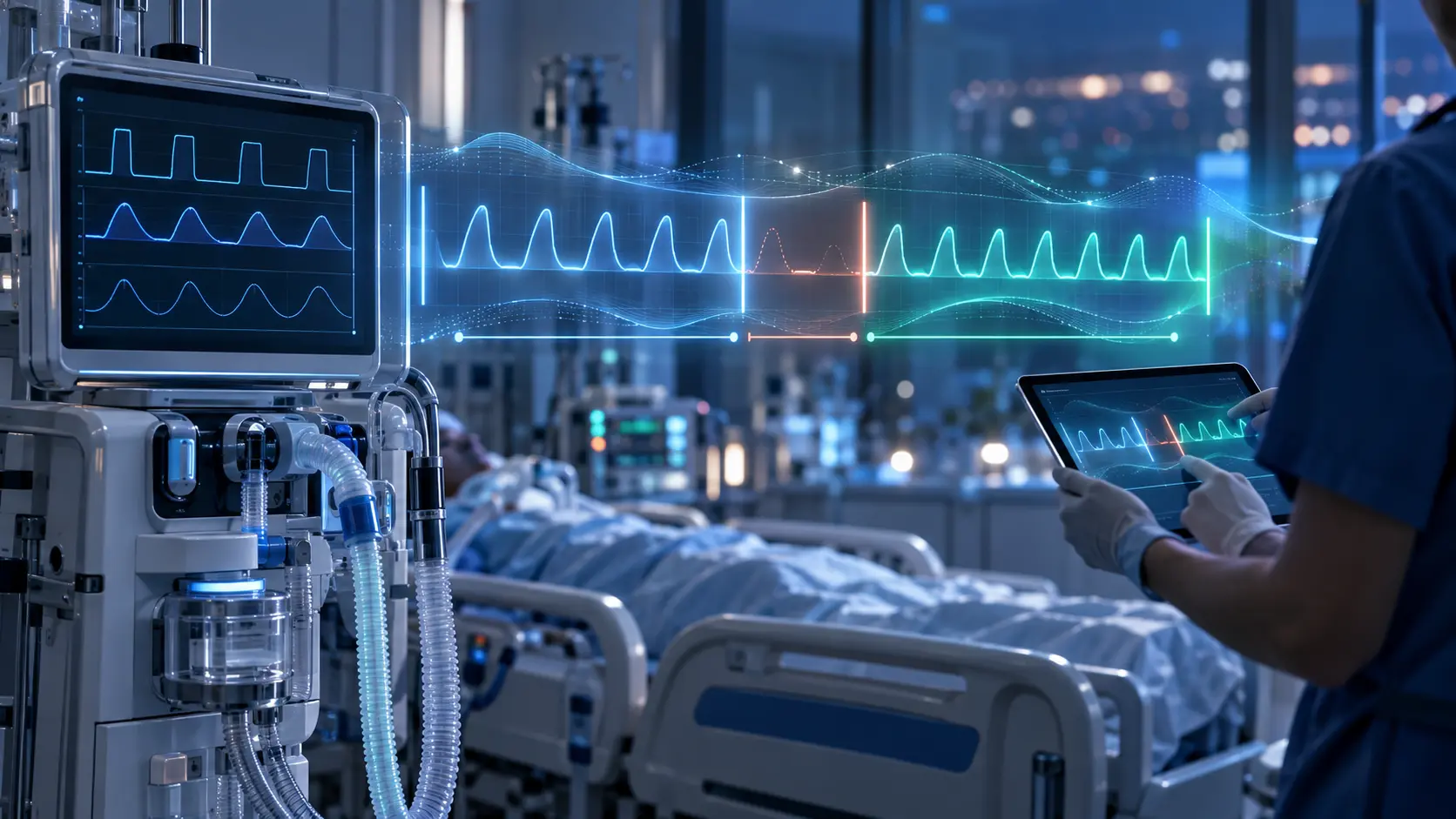
Physician checking a ventilation period reconstructed by ICU DATA EXPERT
CALCULATION → SUSPICION → CORRECTION The engine flags; the professional checks the record and decides.
FUNDAMENTAL PRINCIPLE Suspicion ≠ a genuinely missing period

The designated professional looks for the true reason in the record. A manual correction is added only when the alert is justified.

AUTOMATIC CALCULATION

From repeated measurements to ventilation periods.

ACQUISITION FREQUENCY

One recording every x seconds

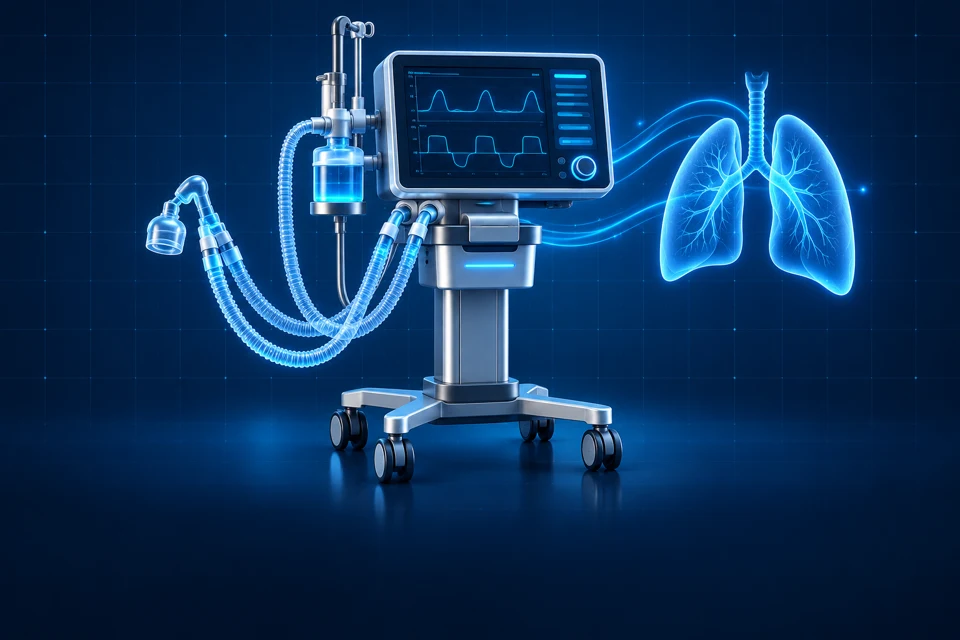
The ventilator sends data to the monitor, then to the clinical software. The frequency — 5 s, 30 s, 1 min, 5 min… — is configured by clinical leads in the clinical software.
5 s30 s1 min5 min
Repeated measurements at the configured frequency
  1. Mechanical ventilator, breathing circuit and ventilation curves
    MEASURE

    Ventilator

    Respiratory measurements

  2. Monitor receiving signals and displaying patient curves
    ACQUIRE

    Monitor

    Data acquisition

  3. Clinical record displaying observations and respiratory curves
    RECORD

    Clinical software

    Record entries

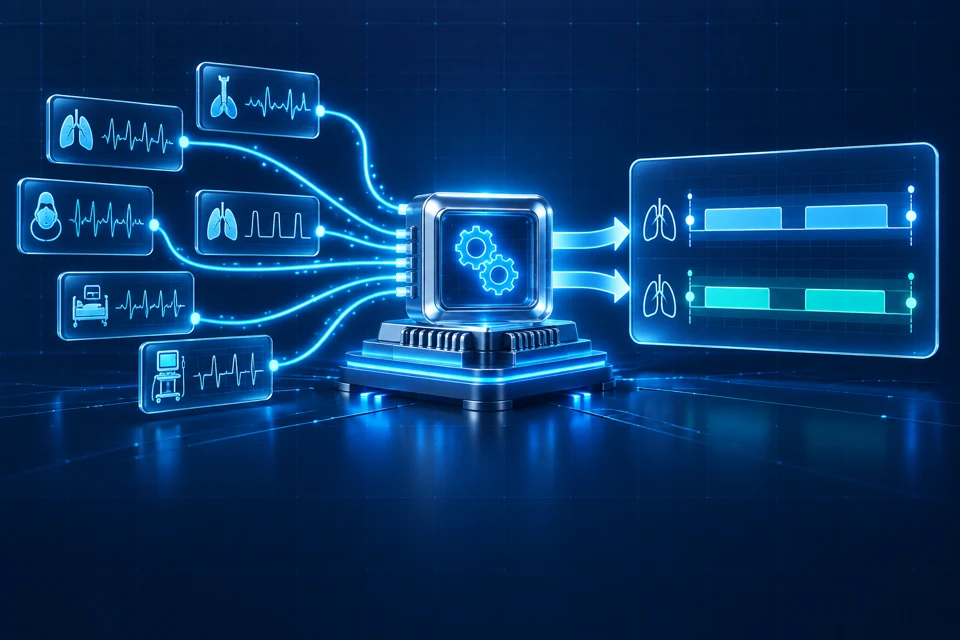
  4. Engine compiling samples into ventilation periods
    COMPILE

    ICU DATA EXPERT

    Period verification and calculation

DATA USED Ventilation mode Tidal volume Inspired volume
→
ICU DATA EXPERT ALGORITHMS Recognise Group Define the window
→
CALCULATED PERIOD Start End
RECEIVED RECORDINGS Gap → suspicion
!
14:02:00 Expected frequency 14:07:00

Please note: missing data does not necessarily mean ventilation stopped.

ALERT & CORRECTION

From suspicion to a validated correction.

The engine flags a suspicion. The designated professional checks the record and validates a correction when justified.
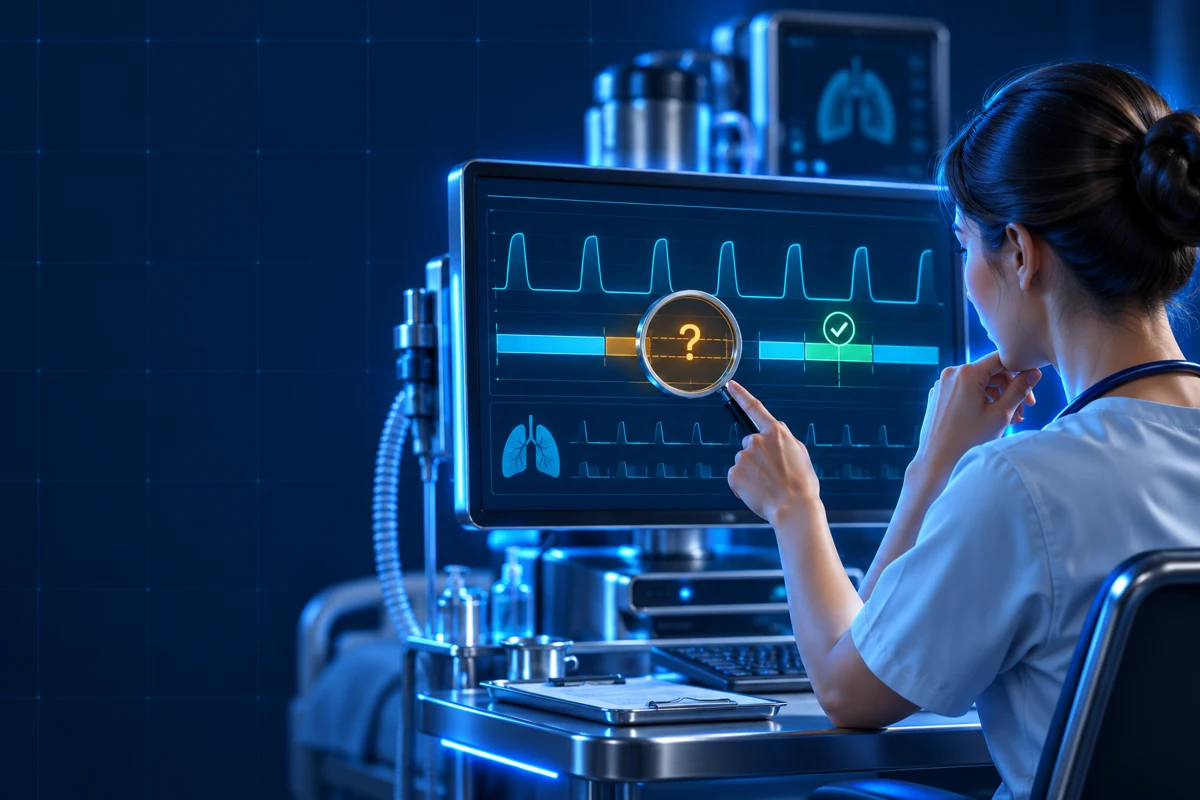
Designated professional checking a suspected gap in the record before validating a correction
4 SCENARIOS THAT MAY TRIGGER AN ALERT

One suspicion, several possible reasons.

ICU DATA EXPERT does not determine the cause: the designated professional investigates it in the clinical record.

01 · TRANSMISSION

Interrupted communication

Temporary disconnection between ventilator and monitor: ventilation continues, but data no longer reaches the clinical software.

02 · DOCUMENTATION

Undocumented device

Forgotten documentation of placement or removal of an oral/nasal tube, tracheostomy or NIV.

03 · CLINICAL RULE

Unknown ventilation mode

A mode used by the ventilator is not yet referenced in the algorithms compiling tidal or inspired volume.

04 · OFFLINE

Patient transport

MRI, catheterisation or another area without monitor connectivity: the entire time away may be missing.

LEAD PHYSICIAN

The record provides the answer.

The alert only indicates a suspected missing period. The designated professional consults the record to determine whether it is justified.

1 SuspicionAlert generated
›
2 VerificationRecord review
›
? Professional’s decisionJustified or not?
×
UNJUSTIFIED ALERT No period added
✓
JUSTIFIED ALERT Manual correction entry
MANUAL CORRECTION FORM
Start 12.09 · 14:02 End 12.09 · 15:18 Type Invasive ventilation
Professional’s entry ✓
→
PROCESSING BY ICU DATA EXPERT

The correction joins the calculated periods.

ICU DATA EXPERT processes the manual entry, incorporates it into ventilation-period calculations and then accounts for it in dependent processing, including the NEMS score.

Periods NEMS Traceability
Scope of the system

ICU DATA EXPERT supports completeness checks and documentary reconstruction. It does not replace patient monitoring, clinical judgement or validation by the designated professional.

Test the chain on your own data flows

Acquisition frequency, ventilation modes, transports and correction rules are configured for the clinical environment.

Analyse a real case → View the impact on NEMS